
Practical Team Building in Cobbleverse
A progression-focused method for choosing roles, checking type and damage balance, using the site's Team Builder warnings, and preserving individual Pokémon state in the local PC.
Guide
A useful team is built for a task: the next trainer, a structure route, catching, or general exploration. Start with the active checkpoint in the Progression Overview, open that trainer's revealed roster, and note the active in-game cap. Do not treat this guide as a universal competitive tier list.
For each planned member, write one primary job: physical damage, special damage, fast cleanup, defensive switch, recovery/support, status, or capture utility. One Pokémon can cover multiple jobs, but every slot should have a reason to exist for the selected objective.
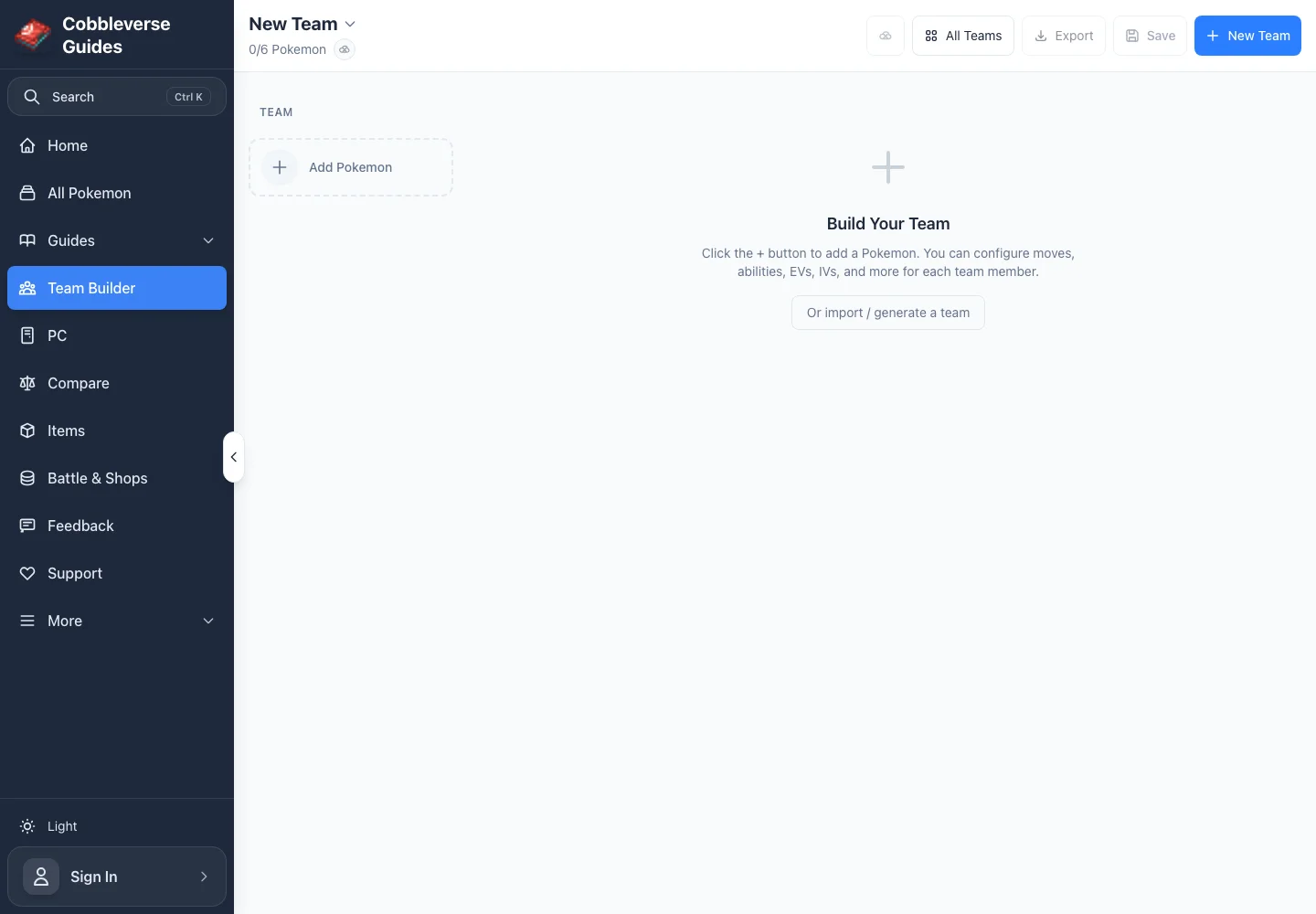
Open Team Builder, add the Pokémon you actually own or can obtain, and inspect both offensive and defensive coverage. The tool calculates move-based offensive coverage, Pokémon-type coverage, and defensive profiles; ability modifiers are applied where the tool has matching data.
Coverage is a diagnostic, not a score. A team with many super-effective move types can still fail if every attacker is slow, fragile, or dependent on the same damage category. Add resistance or immunity pivots for repeated weaknesses, then decide whether the route actually requires that change.
Compare Attack and Special Attack before assigning damage moves. If every damaging member uses the same category, a single defensive profile can stall the team. Keep at least one credible physical and one special route when the target roster makes that useful.
Then check:
The editor exposes the current Pokémon/form record, ability choices, up to four moves, held item, level, nature, EVs, IVs, and Tera type. The site's data can show that a move or ability belongs to a bundled learnset; it cannot prove you have already unlocked the required TM, tutor, item, or form trigger in your world.
Follow the relevant Pokémon page and Items directory before finalizing a hard-to-obtain component. Search Move Shops and the Shop Browser for generated availability. A legal-looking build that depends on late materials is not an early-progression recommendation.
The export validation currently checks:
Warnings are invitations to inspect, not proof of illegality on every server. The duplicate-species message explicitly refers to formats that use Species Clause; Cobbleverse progression itself is not declared to use one universal competitive ruleset. Resolve hard EV/level errors, then verify availability warnings against the current Pokémon record and your server.
Use PC when the exact caught or trained instance matters. The current first version saves individual Pokémon with move progression, battle state, and notes; it supports local save, edit, duplicate, delete, and moving entries between boxes. Cloud sync is explicitly unavailable, so browser data is not an in-game transfer or a backup on another device.
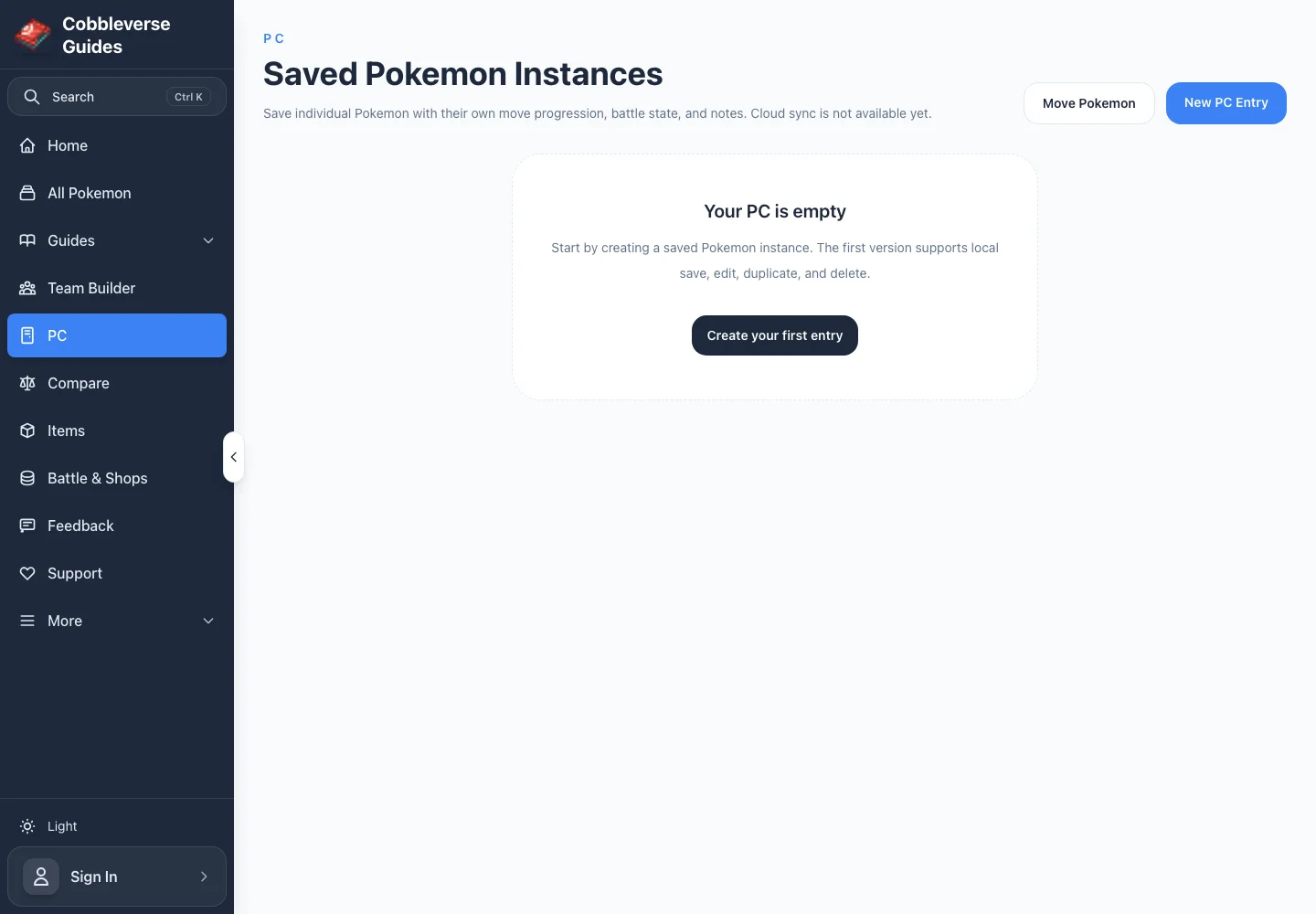
The Team Builder is a plan for a lineup. The PC is a record of a specific individual. Updating one does not claim to update the other or the Minecraft save.
This example uses transparent criteria for the first documented Kanto objective, Brock. His bundled roster is Geodude level 16, Bonsly level 16 with Focus Sash, Cranidos level 18, and Onix level 20 with Rocky Helmet. The site's generated planning cap is 25; the verified Trainer Card separately shows the active in-game cap, which remains authoritative.
Start with three obtainable early candidates rather than a claimed “best six”:
| Candidate | Proposed job | Why it is being tested |
|---|---|---|
| Squirtle | Bulky Water damage | Water targets the Rock/Ground members and offers a defensive starting point. |
| Bulbasaur | Grass special damage and utility | Grass supplies another route into Rock/Ground while leaving room for status or recovery. |
| Mankey | Physical Fighting pressure | Tests a physical answer for Rock targets instead of relying only on special damage. |
In Team Builder, set each member to its real level and actual learned moves. Search generated move availability rather than assigning an assumed set—for example, inspect Water moves, Grass moves, and Fighting moves. Leave held-item slots empty unless the item is already obtained; Brock's trainer context warns that Focus Sash and Sturdy can prevent a clean one-hit plan.
The selection criteria are matchup coverage, mixed physical/special pressure, survival at the active cap, and actual availability. Fill remaining slots with caught Pokémon that patch the Team Builder's defensive gaps or provide healing/capture utility. Re-run the warnings after every move, form, or ability change.
Sources (6)
- Official COBBLEVERSE 1.7.42 release — current release identity
- Bundled data — frontend/src/app/team-builder — current editor fields, type analysis, form/ability handling, persistence, and validation behavior
- Bundled data — frontend/src/app/pc — local PC fields and local-only persistence behavior
- Bundled data — frontend/public/trainers.json — Brock's exact current roster, levels, items, moves, and generated planning cap
- Bundled data — frontend/public/pokemon and move/item indexes — current form, learnset, ability, move, and item records
- Bundled data — site-content/guides/team-building/images — privacy-safe screenshots captured from the local production build on 2026-07-30